When Apple Podcasts Went Empty (Again)
The second time my Apple Podcasts library vanished, I decided I wasn’t going to just wait for it to reappear.
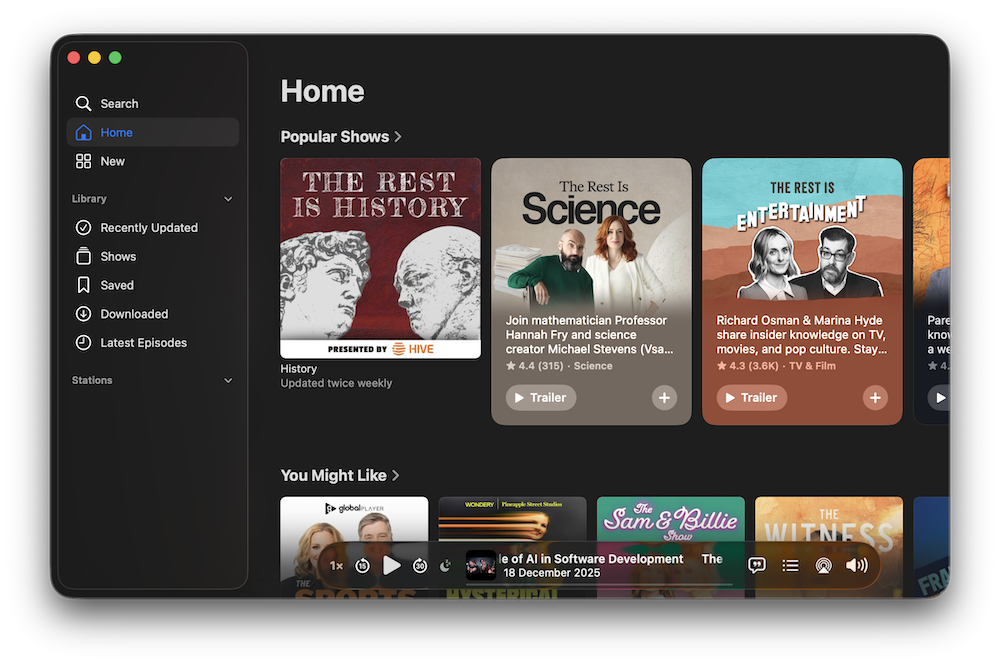
I opened the app one morning and everything was gone every show, every episode, every play position. It had happened before and eventually fixed itself, but this time I wanted to know why. If the app can work offline, it must store its data somewhere locally. I just needed to find it.
The Database
I started digging through the app’s container:
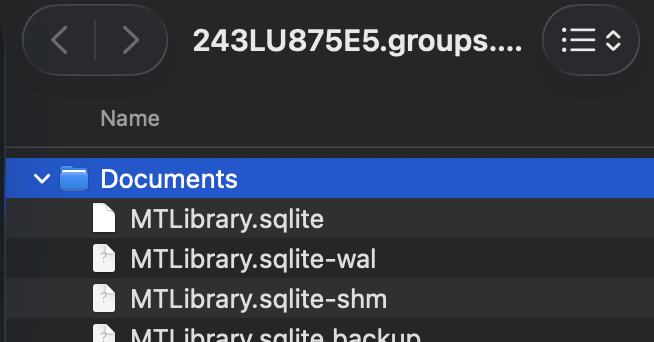
~/Library/Group Containers/243LU875E5.groups.com.apple.podcasts/Inside the Documents folder I found it MTLibrary.sqlite, along with its .wal and .shm companions. A local SQLite database.
Opening it in DataGrip, I immediately recognized Apple’s Core Data structure: tables prefixed with Z, metadata tables, and dozens of columns. This was the heart of the Podcasts app everything from shows to episodes, playback progress, and even transcript metadata.
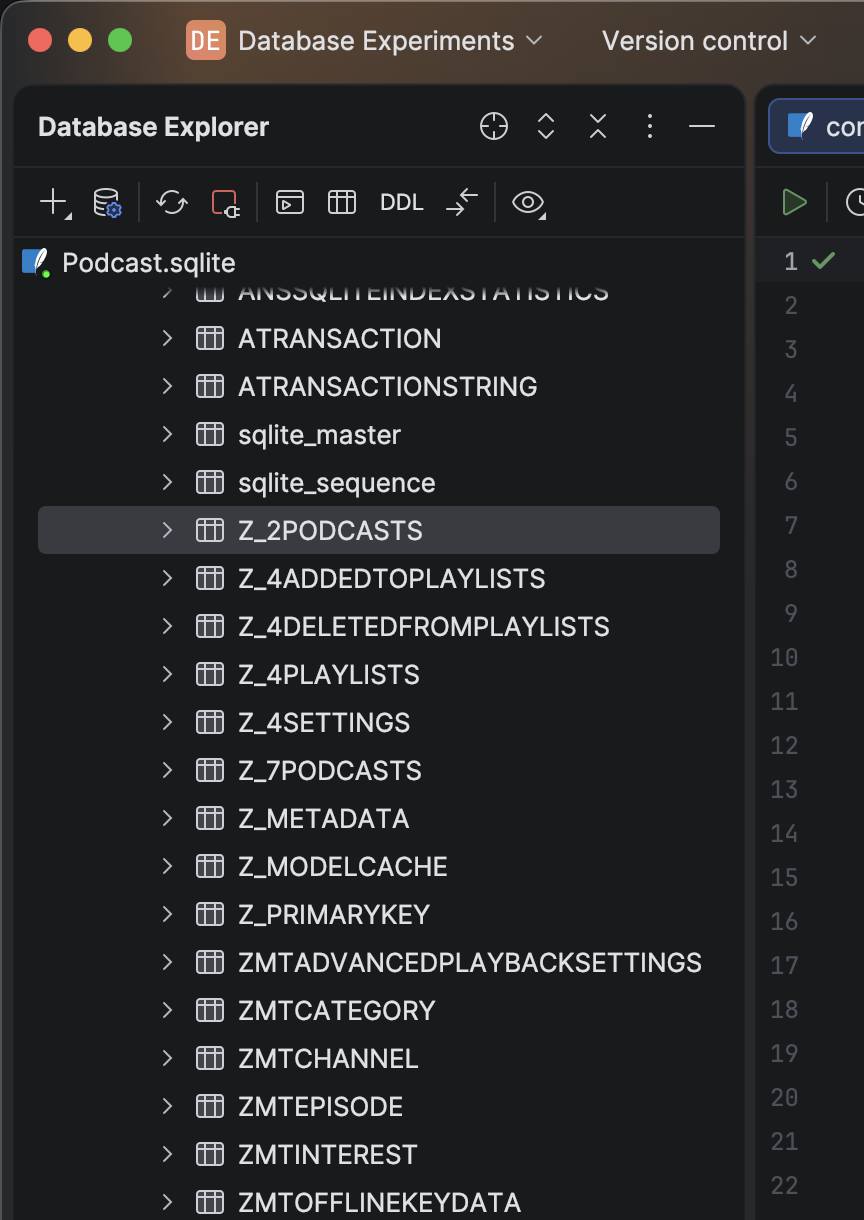
When I queried the ZMTEPISODE table:
SELECT ZTITLE, ZPODCASTUUID, ZPUBDATE, ZPLAYSTATE
FROM ZMTEPISODE
LIMIT 10;
There were all my episodes proof the data hadn’t actually disappeared. The app had simply stopped reading from its own database.
The TTML Surprise
My initial goal wasn’t even the library issue. I’d been trying to get transcripts.
In the same container’s Cache folder, I found:
Library/Cache/Assets/TTML/PodcastContent221/v4/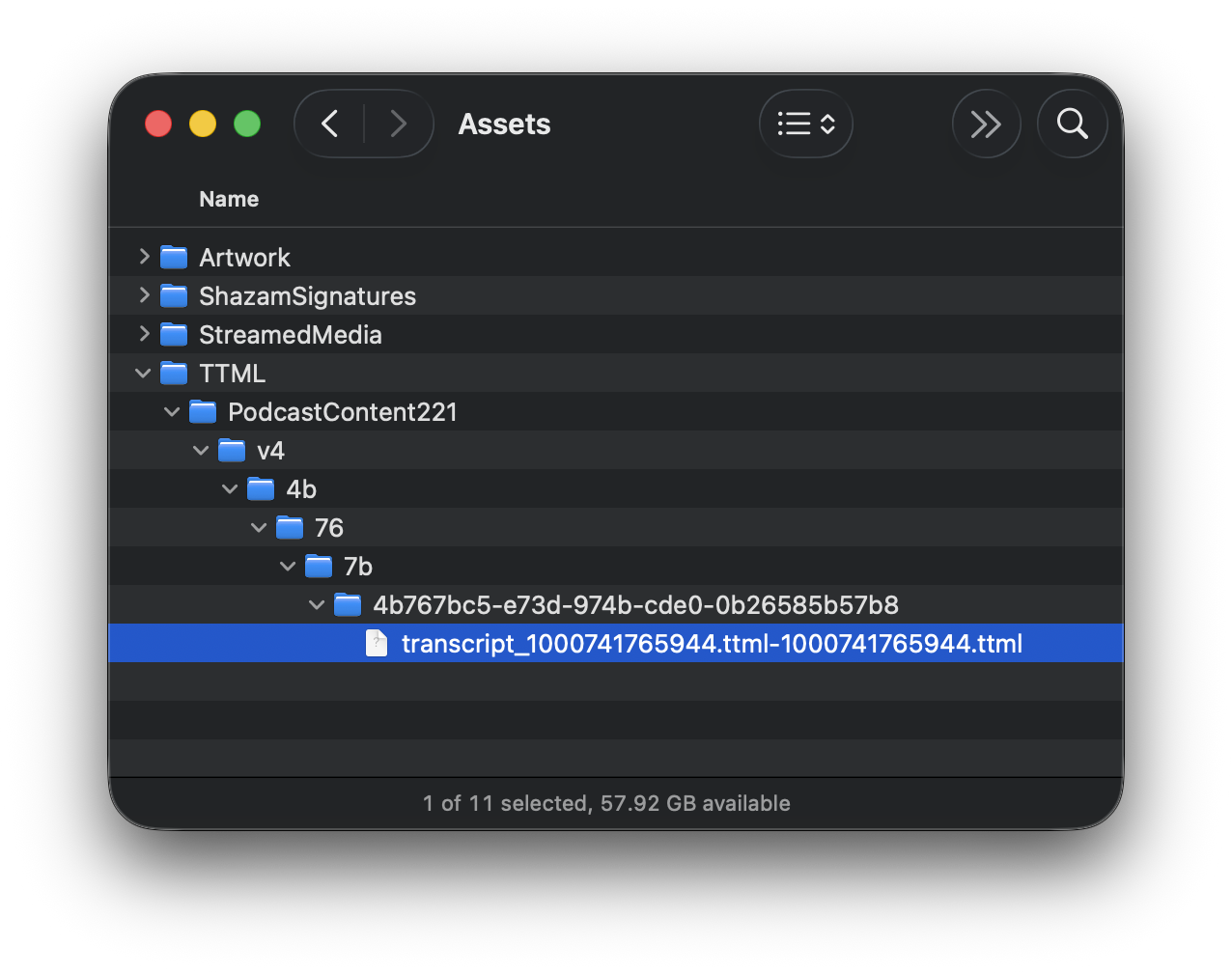
transcript_1000741765944.ttml-1000741765944.ttmlOpening one revealed TTML (Timed Text Markup Language): timestamped word-by-word transcripts that Apple uses to power the “Read Along” feature. Each word had its own <span> tag with millisecond timestamps.
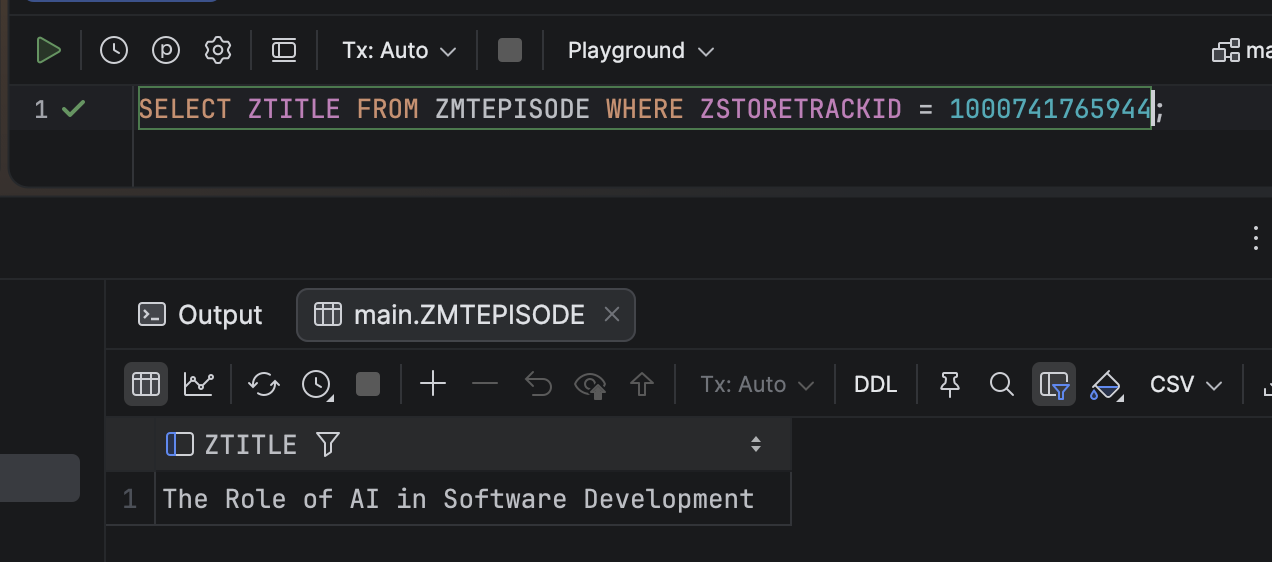
When I matched one of those numeric IDs to the database, this query told me everything:
SELECT ZTITLE FROM ZMTEPISODE WHERE ZSTORETRACKID = 1000741765944;It returned the exact episode. That number, the ZSTORETRACKID, is how Apple links an episode to its transcript file.
The Time Warp Problem
Then I noticed the dates.
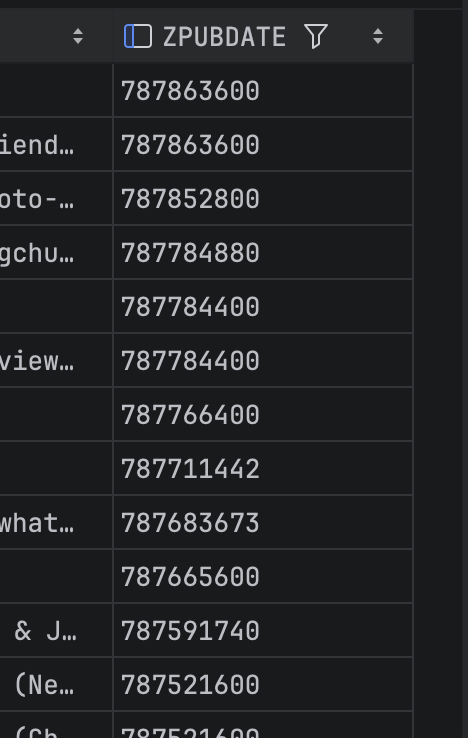
A publish date like 787711442 converted to the year 1994 if interpreted as Unix time. That made no sense 😄.
After some digging, I realised Apple uses a different epoch January 1, 2001 for NSDate values. The offset is 978307200 seconds. I thought adding that would fix the issue:
SELECT datetime(ZPUBDATE + 978307200, 'unixepoch', 'localtime')
FROM ZMTEPISODE;
But wait, The result was still wrong 2019-12-04 01:28:04, Whereas the episode actually published in 2025, so I figured out that Apple uses two different epochs in the same database. Some were Unix epoch; others were Apple’s 2001 epoch. I had to build conditional logic to decode them consistently.
SELECT
  ZTITLE,
  CASE
    WHEN ZPUBDATE < 978307200
      THEN datetime(ZPUBDATE + 978307200, 'unixepoch')
    ELSE datetime(ZPUBDATE, 'unixepoch')
  END AS pubdate_utc
FROM ZMTEPISODE
ORDER BY ZPUBDATE DESC
LIMIT 100;
Why the Library Sometimes Goes Empty
Okay back to the other problem. After mapping the schema, another question surfaced: why does the app sometimes launch empty?
Since the Podcasts app uses a local Core Data store I think it also uses iCloud (CloudKit) sync. When you launch it, the app merges its local data with what iCloud knows. If that sync handshake stalls or if the database’s WAL file is temporarily locked, the UI may show an empty state even though the data is still there.
I also noticed a background process com.apple.podcasts.SpotlightIndexExtension aggressively reading from the same database. It indexes everything, including transcripts, for Spotlight search. If it locks the file while the main app is launching, the app can’t read its data right away. Minutes later, once the lock releases, everything “magically” comes back.
That explains the random blank starts.
What I Learned About Apple Podcasts
By the end of this little investigation, I’d mapped out how Apple Podcasts really works:
- The app keeps everything in
MTLibrary.sqlite, a Core Data database - Transcripts live in TTML files, referenced via
ZFREETRANSCRIPTIDENTIFIER - Playback history syncs via CloudKit in
ZMTUPPMETADATA - Timestamps mix two epochs (1970 and 2001)
- Spotlight indexes everything and occasionally trips over Core Data
The “empty library” moments aren’t data loss they’re temporary desynchronizations between the app, iCloud, and the local store.
Final Thoughts
This started as a curiosity about transcripts and turned into a full reverse-engineering project. I learned that Apple’s Podcasts app is built like a mini distributed system: local database, iCloud sync, cached assets, and Spotlight integration all stacked together.
When any layer misfires, the app looks blank but the truth is, your data is still right there on disk, quietly waiting for Apple’s frameworks to see it again.